- Home page
- Production Quality Control Sys...

HDF QA Production Quality Control System
What sets us apart
The inspector works through the inspection step by step, then documents the result with photos taken on a tablet or phone and saves the inspection.
Everything feeds into reports: who inspected what and when, and how long each task took. For every inspection the system generates a report with photos that you can send to your customer — particularly useful for complaints, when you need to prove a product passed full inspection.

Guiding the inspector step by step
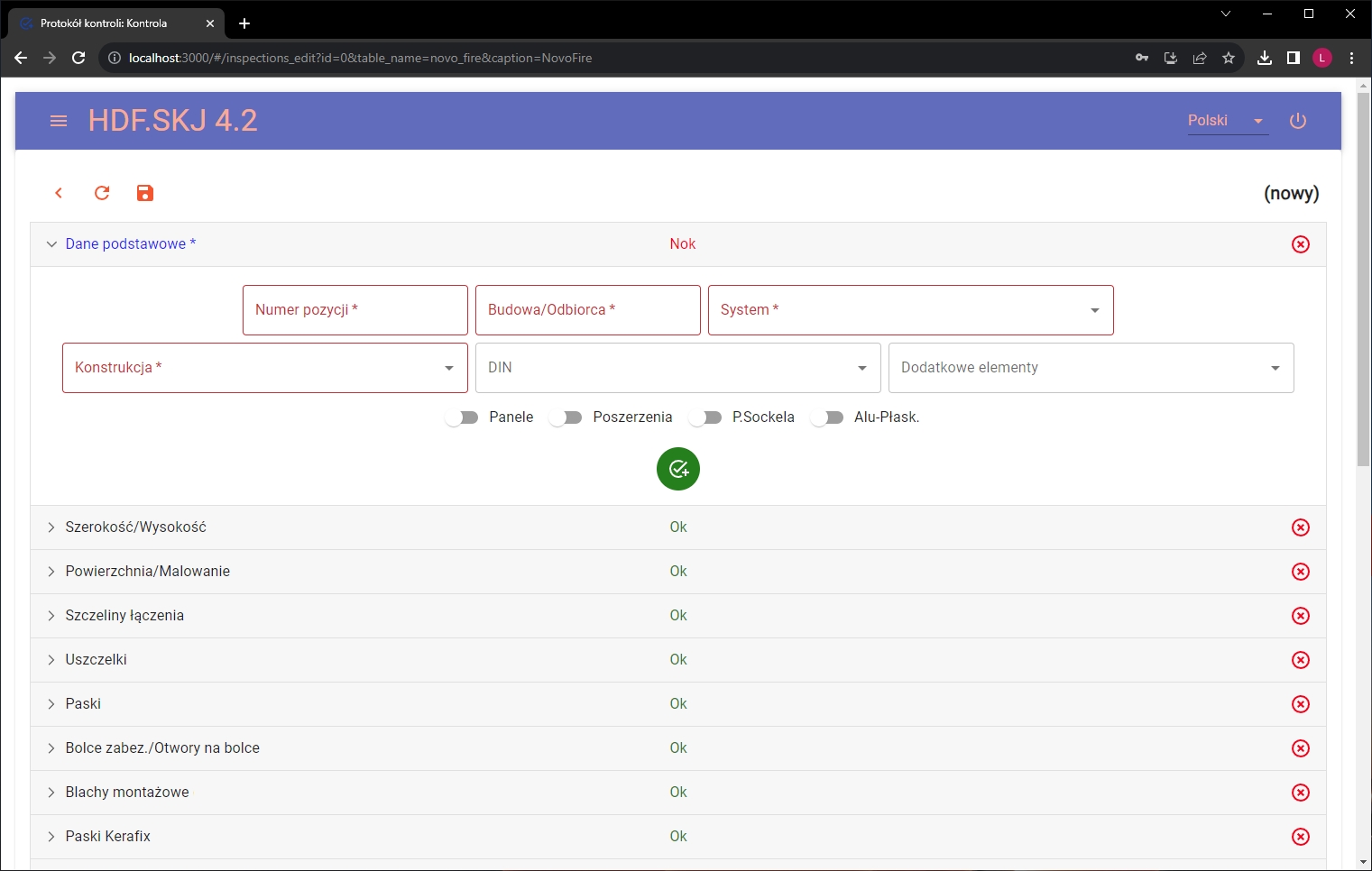
The HDF product quality control system is designed to check your products meticulously and thoroughly, so that you can be sure that your products are of the highest possible quality. Our module displays a list of tasks that a quality control employee must perform. They are arranged in a logical order. The system guides the employee step by step through the quality control process. In order to move on to the next task, the quality correctness of the previous one must be performed and approved, otherwise the system will not let the employee through to start the next activity. Each task is accompanied by the manufacturer's requirements, which the quality inspector must complete/approve/enter.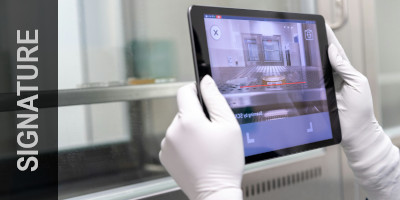
Photo verification and electronic signature
After inspecting the verified entity/task, there is also an option to set the need to take a photo of the approved product, or its defects. It is also possible to require an employee to confirm through an electronic signature, which is made on a tablet, directly in the system, both under each task and on a report after the entire inspection process is completed.
Report generation
In our system, a quality control report is generated after each inspection, which includes all the checked parameters of the item, along with the decision on their compliance and an electronic signature applied by the inspector on a device (such as an industrial tablet) and recorded on the report. It may also include photos of the products and detected defects. The inspection protocol can be marked as approved, if everything with the product complies with the requirements, or not approved, which means that defects or non-compliance with the requirements have been detected in the inspected item.Quality Control Software - Check out the benefits!
How to control the quality of products ordered by your customers? It's easy! Use the assistance provided by the product quality assessment system offered by HDF.
- 01
Control faster and more effectively
With a structured quality control process, the time for completing related tasks decreases, and your employees' productivity increases because they work more accurately, faster and more simply - they can complete a task with just one or two clicks. This makes your control effective, even without the use of a keyboard. - 02
Get reliability
Our module gives you the assurance that your products are always of the highest quality, because the inspector receives clear and accurate guidelines for the tasks he or she is performing - step-by-step instructions. We use barcode technology that, when read, displays all the data of the part being inspected, so there is no room for error. - 03
Reduce errors and save money
The system of quality control of products minimizes the possibility of error to practically zero, guaranteeing the conformity of goods to the order and the efficient detection of discrepancies. This way you know that an incorrect product will not reach the customer, and you will avoid complaints, delays, or misuse of materials, saving a lot of costs. - 04
Integrate the program with external systems
Since the HDF product quality control system is a module that interfaces with MES, ERP, WMS, this means that it can not only be a separate application of your company, but also a part of your production system or other ERP systems. This provides you with full integration between these programs and the fastest flow of data.
Quality management system developed by HDF Software
Quality control of products in a manufacturing plant:
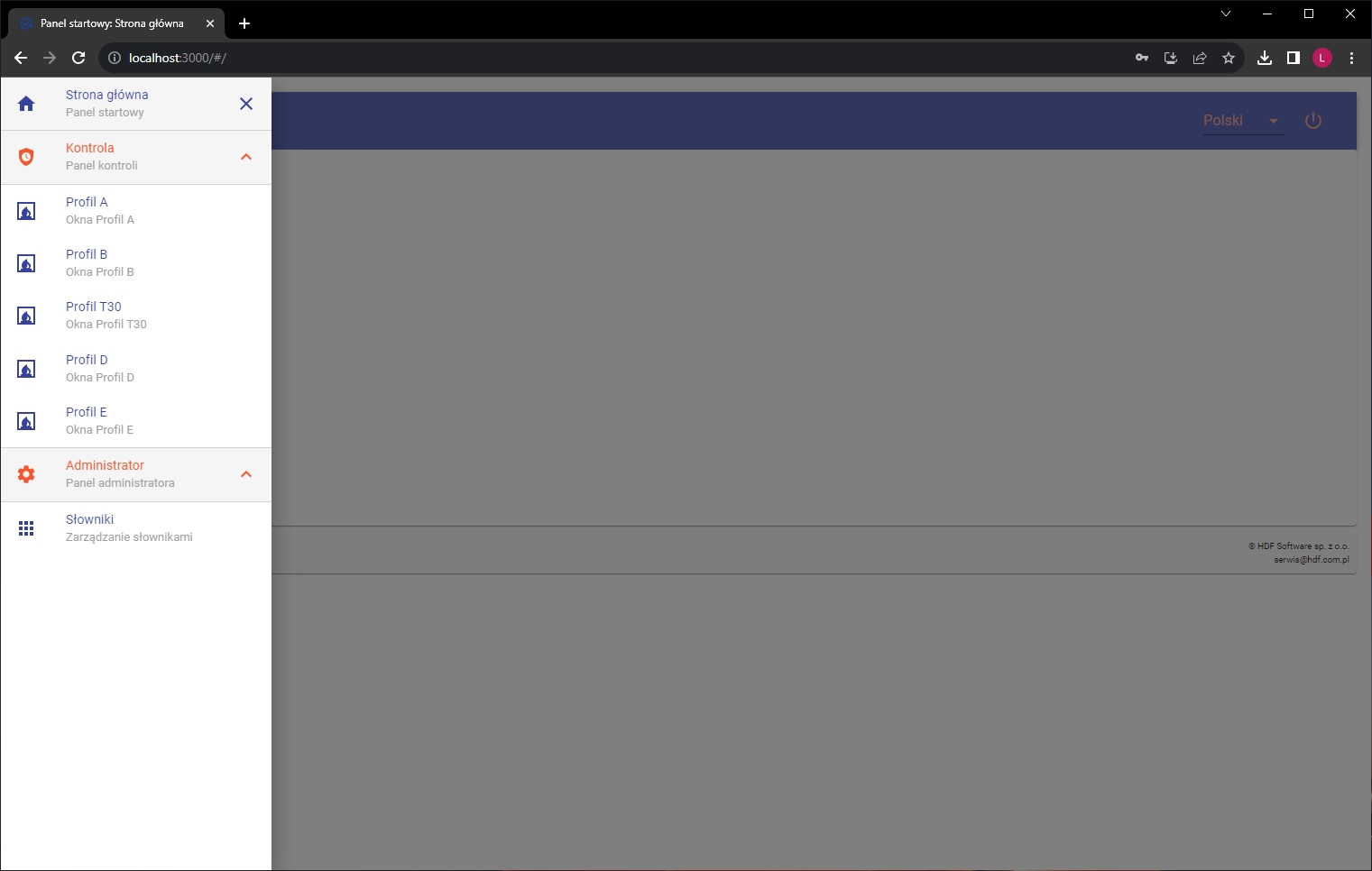
The HDF quality system is most often used as an additional module to support MES, WMS, or ERP systems. Usually, our customers choose this solution to complement the production system, so they can freely exchange data between production and quality control. It also works great with this set up as an authorization management system, which allows you to control all login data and authorizations of company employees, in all systems and applications of the company.
Customization for your company.
The entire quality control management module is custom built to be consistent with your company. Everything is tailored to your individual needs. The content and order of tasks, the requirements, the inspection process, the functions and the need to take pictures all depend on you and the nature of your business. This makes it ideal for anyone looking for a personalized quality control system. Every quality system is different because every enterprise has different needs, specifications, products, or number of inspectors. As specialists in tailoring IT solutions to individual customers, we will give you the confidence that your new quality control system will be as customized as possible.
Automation
If you wish, your product inspection reports, along with your signature, can be automatically sent to the customer so that the customer can be assured that you are a top-level supplier and that your products are checked from every angle and meet all production requirements. In addition, all reports are produced dynamically, as soon as the verification process is completed. All reports can also be accessed by quality controllers and other management positions of your choice, or by employees whom you grant the ability to view from the privilege management system.
Want to automate quality control with scanners?
HDF QA works with industrial barcode scanners that speed up and structure quality control on the production floor. Scanners mounted at the workstation read the product automatically, while the operator flags any detected defects with a wireless scanner — every issue goes straight into the system, with no manual re-keying. This approach works well for high volumes and products with many visually similar variants, where the pace and repeatability of inspection matter most.
We match the hardware to shop-floor conditions, from fixed-mount scanners (e.g. Zebra DS55) to wireless models built for demanding production environments. The entire scanner-based workflow is built to order, around your process.
See how it works in practice: quality control system deployed at an automotive chassis manufacturer.
Screenshots of our software
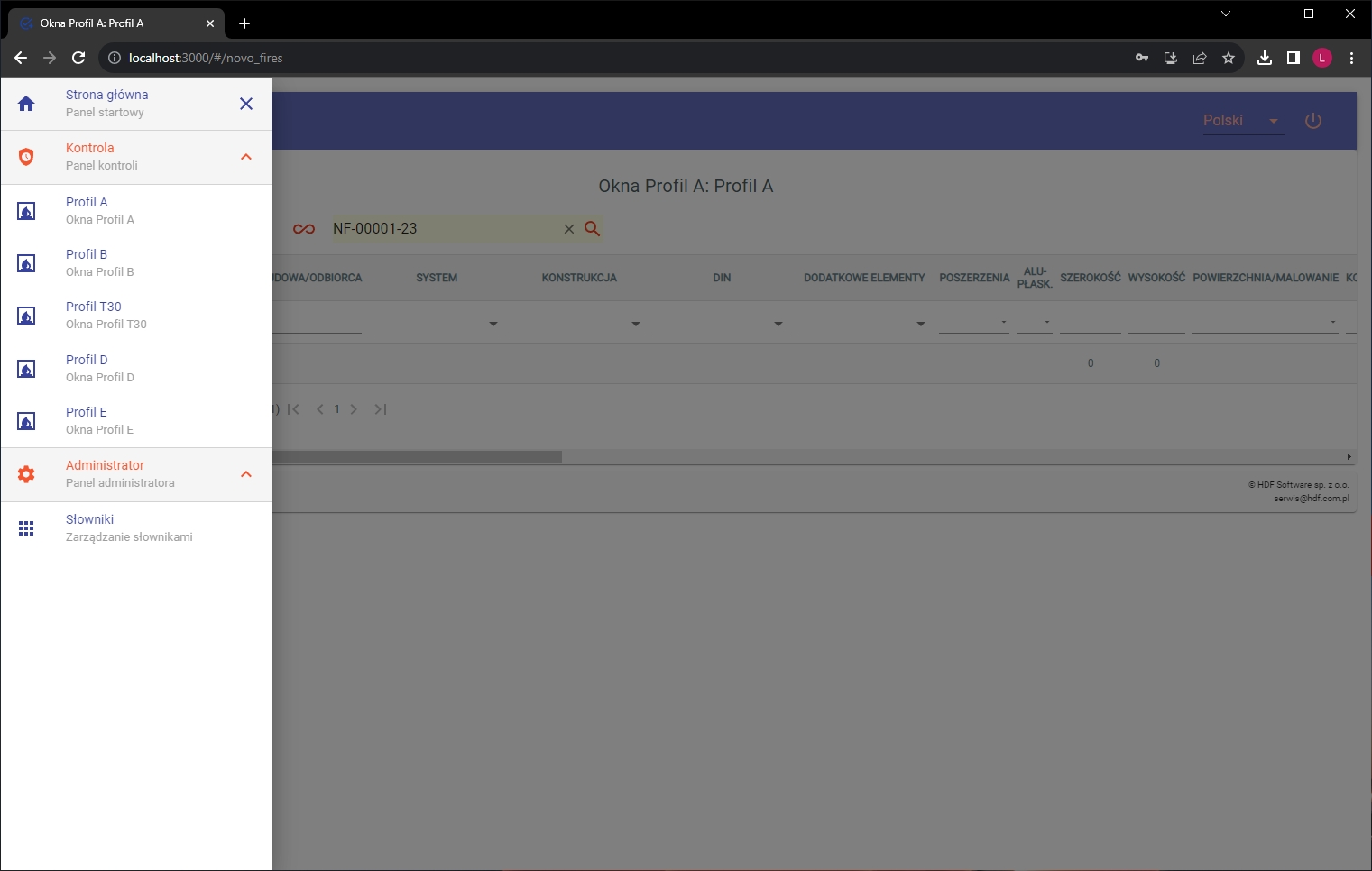
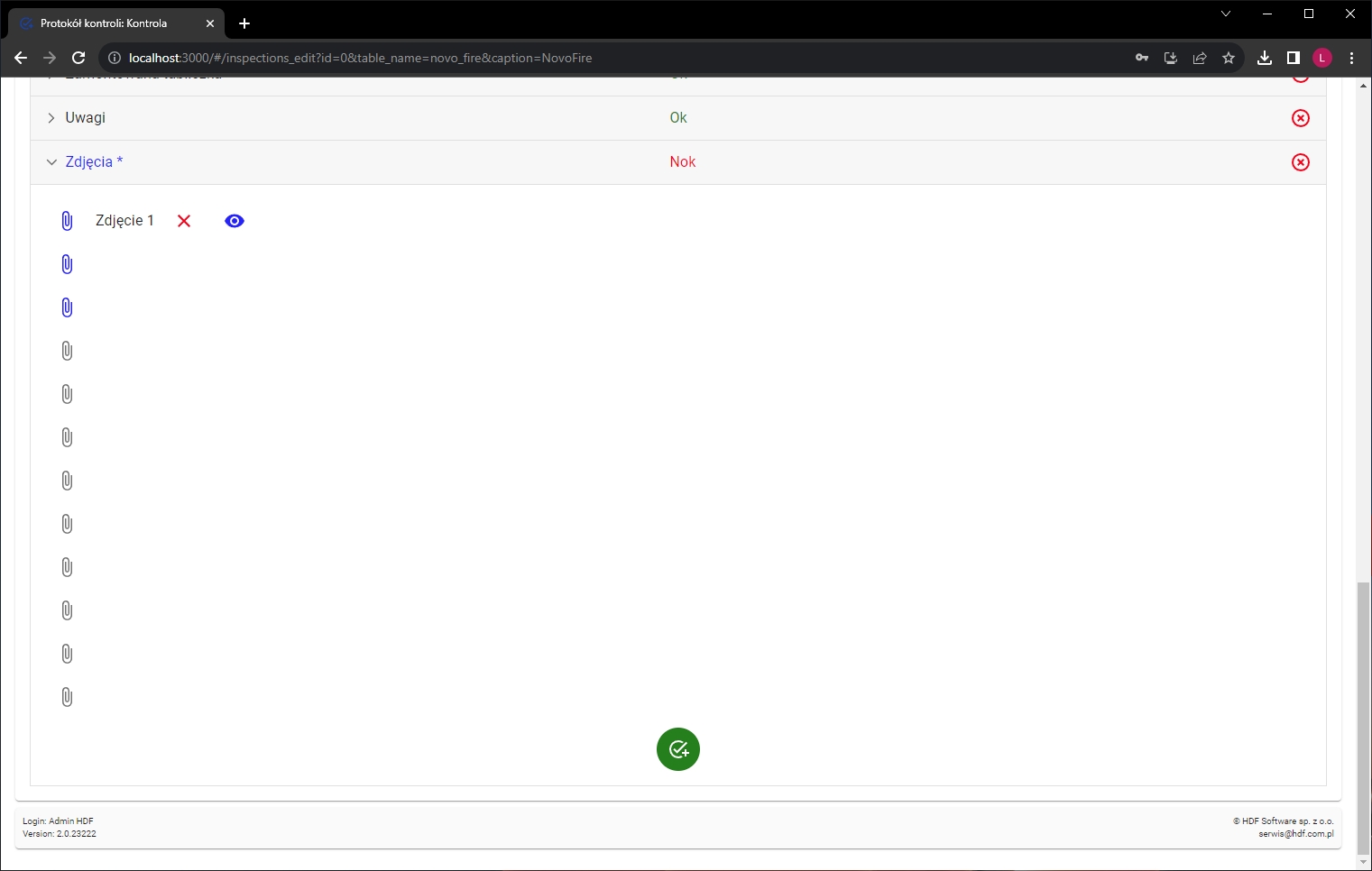
Get in touch
Have questions about our products or need a tailored offer? Get in touch — we’ll be happy to advise you and help find the right solution for your needs.