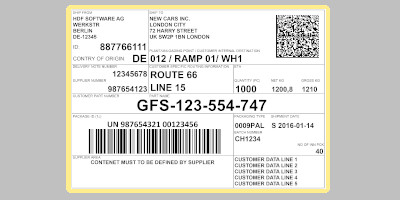
Design labels your way
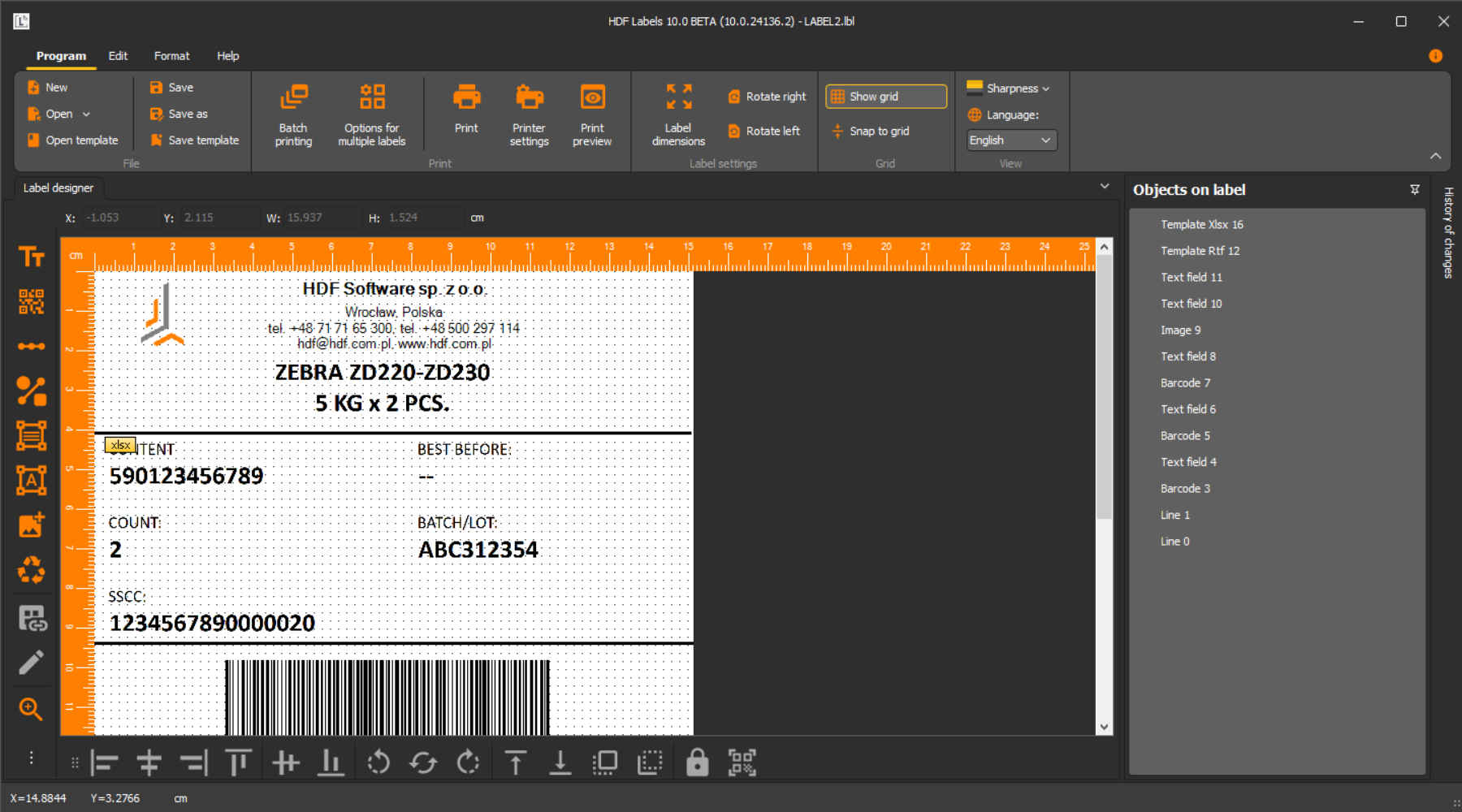
HDF Labels allows you to design the label yourself or choose one of the popular label templates prepared by our company.


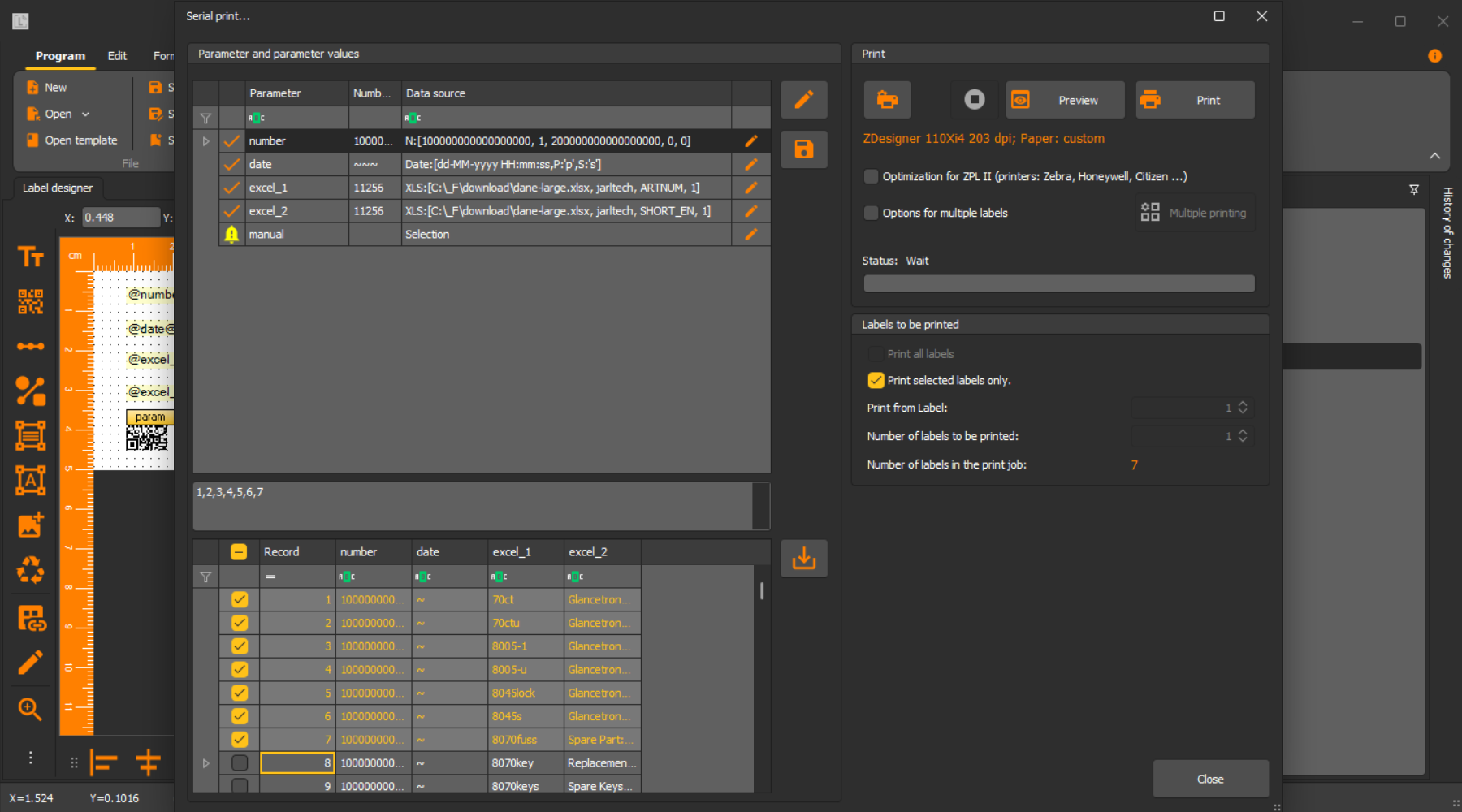
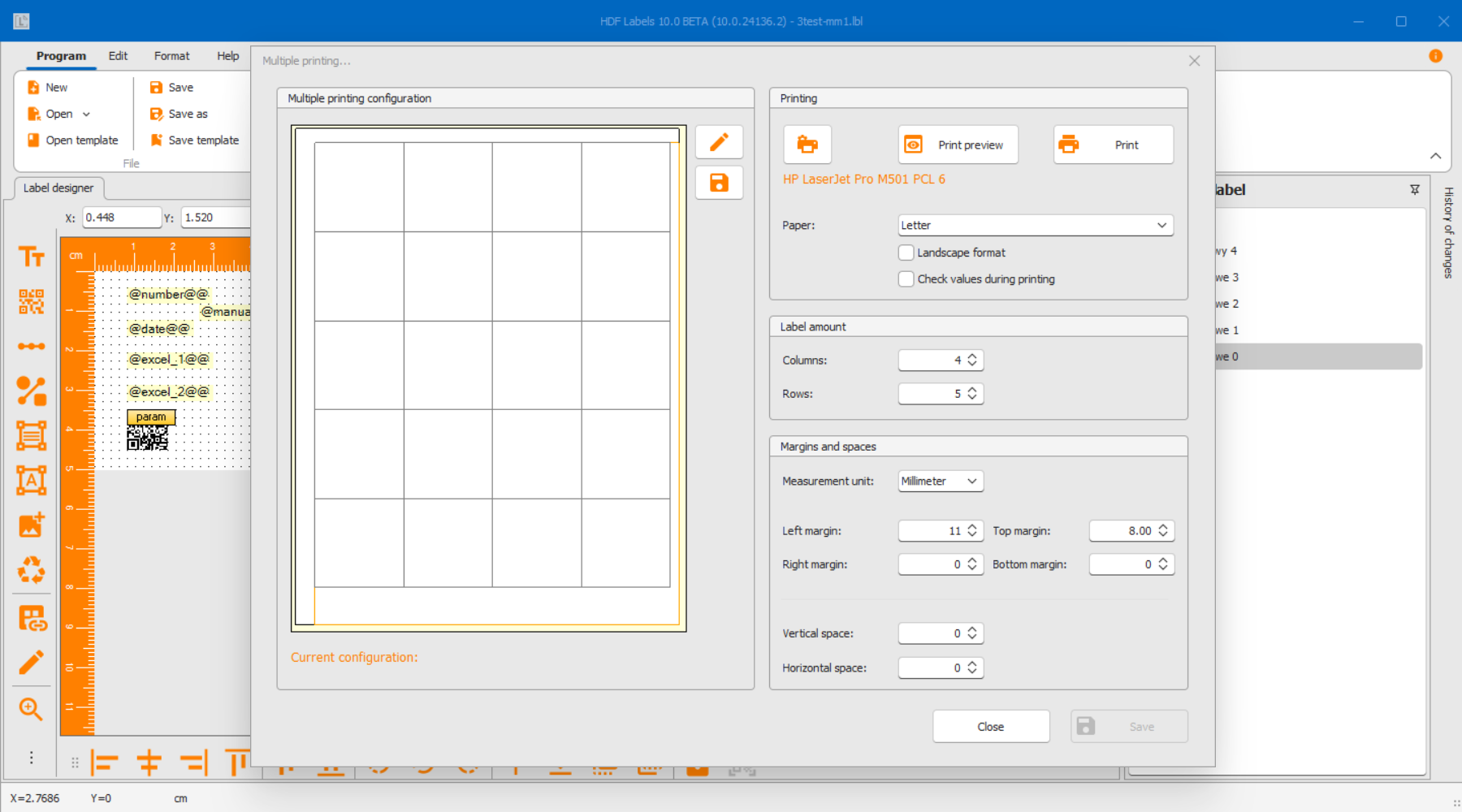
The video shows the changes introduced in January 2025: methods of printing labels to PDF, printing small labels on large-format sheets, formatting and parameters in the table.
The video shows the procedure for creating a 10x7 cm label with barcodes, adding parameters.
The video shows the procedure for creating a 10x7 cm, top features.
The video shows the procedure for creating a 10x7 cm, advanced features.
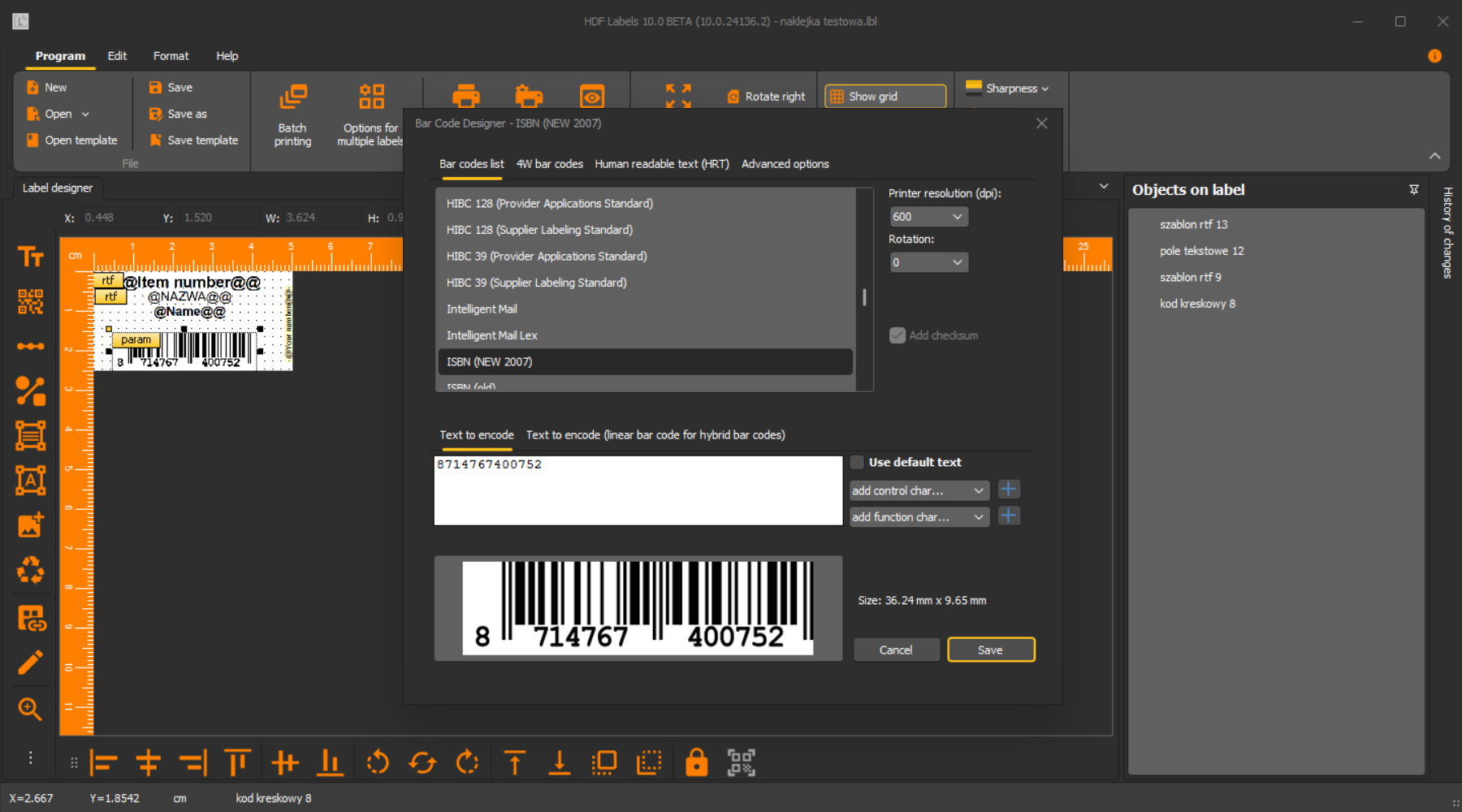
With HDF Labels you gain access to more than 114 types of barcodes, including GS1-128, QR Code, DataMatrix, Code128, Code39, EAN8 and EAN13. It works with almost all popular printers from companies such as HP, Lexmark, KonicaMinolta, Zebra, Honeywell, Sato, and Citizen. It is extremely intuitive, and its clear interface will make creating labels extremely easy.
Our label printing software is available in two variants: Standard and Business. Choose the version that best suits the scale of your operations and your specific needs regarding automation, database integration, and technical support.
The Standard version is a complete tool for designing and printing labels based on data from Excel and CSV files, making it ideal for smaller entities. The Business version extends capabilities with advanced integration with ERP/WMS class systems (via SQL databases), sophisticated process automation, and priority support.
Standard | Business | |
Perpetual license with free transfer to other workstations and 12 months warranty | Yes | Yes |
Functionality | ||
Support for Zebra, TSC, Sato, Citizen, HP, Lexmark, Konica Minolta, etc. printers. | Yes | Yes |
Support for printing in ZPL2, creating GS1 labels | Yes | Yes |
Printing of text, tables, lines, pictograms, circles, rectangles, frames | Yes | Yes |
Import any graphics (bmp, jpg, jpeg, png, gif, tiff, etc.) | Yes | Yes |
Printing in several columns | Yes | Yes |
Support for 114 barcodes: Code39, Code128, 2 of 5 Interleaved, EAN-8, EAN-13, QR Code, DataMatrix, GS1 DataMatrix, GS1-128, SSCC, Databar etc. | Yes | Yes |
Serial and database printing | ||
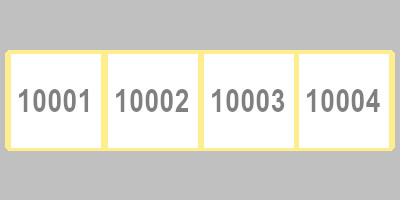
Automatic numbering and date printing in various formats | Yes | Yes |
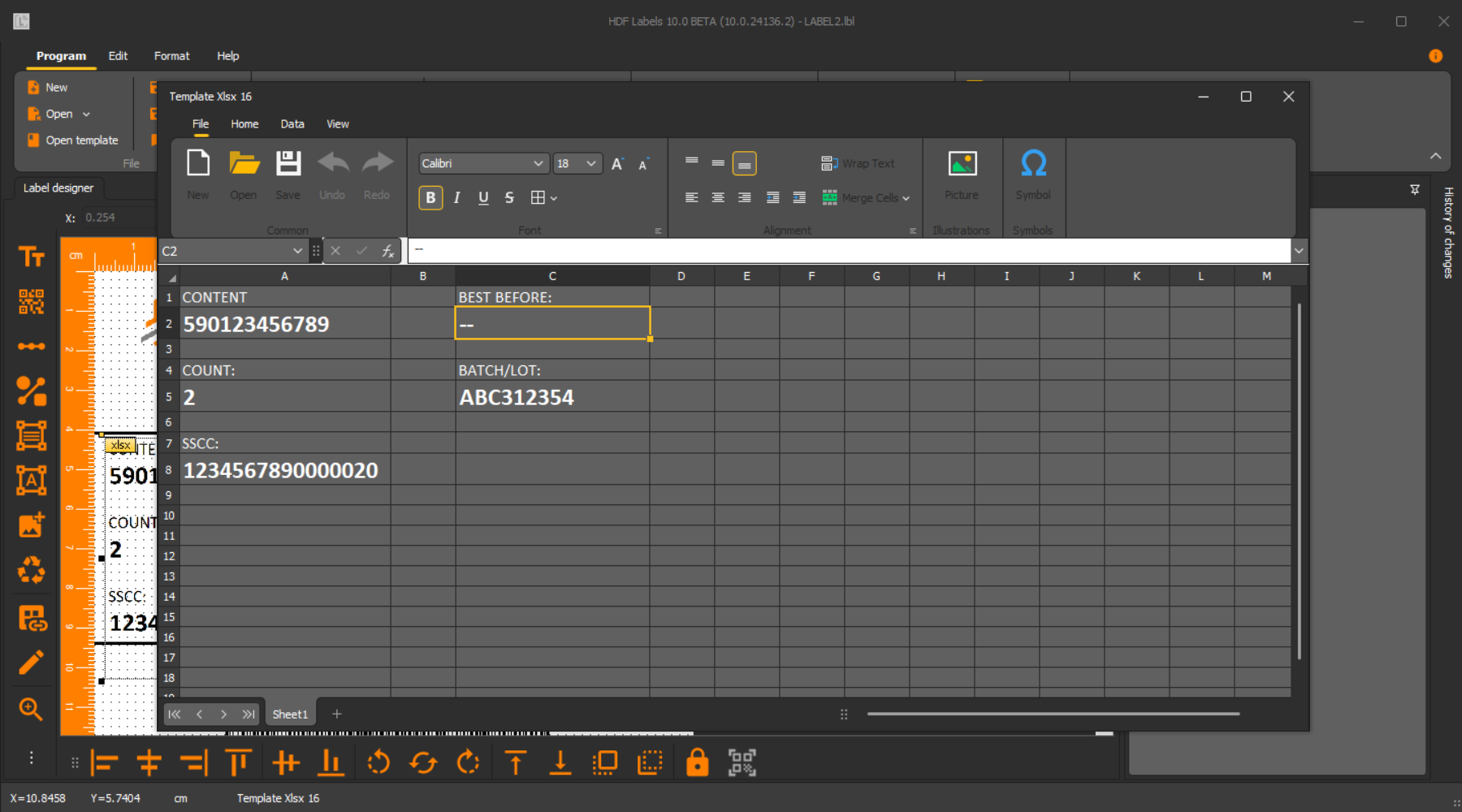
Data from Excel (xls, xlsx), text (txt, csv) files | Yes | Yes |
Data entered manually before label printing | Yes | Yes |
Support for any databases via ODBC (SQL Server, Oracle, SAP, dBase, Paradox, etc.) | Yes | Yes |
Placing on the label graphics whose names are taken from databases or files | Yes | Yes |
Retrieving the number of labels to be printed from databases or files | Yes | Yes |
Saving the label as bmp, tiff, gif, png | Yes | Yes |
Selection of any records for printing from databases or text files | Yes | Yes |
Support, maintenance | ||
12 months technical support ESSENTIAL | Yes | Yes |
12 months technical support PREMIUM | No | Yes |
Ability to register license offline (via license file), for PC without internet access | No | Yes |
Cloud features | ||
Limited-access user roles (e.g. label editing only) | No | Yes |
Saving and reading of labels from the cloud | No | Yes |
Calling the program with parameters (command line) | No | Yes |
Ejecting a blank label | No | Yes |
Support for formatted table calculations (addition, subtraction, multiplication, etc.) | No | Yes |
Global numbering, including for multiple labels the possibility of using the same one | No | Yes |
Saving print information to a database | No | Yes |
Free 12-month subscription to a Storage account for cloud storage | No | Yes |
Promotion -10% |
HDF Labels is most often used by manufacturing companies. Artisan cosmetics makers print labels with INCI (international nomenclature of cosmetic ingredients) and expiration dates. Local apiaries mark honey jars with batch numbers and harvest dates. Ornamental plant nurseries print labels with plant species and nursery codes. E-commerce businesses print shipping labels with customer details. The basic Standard version covers 90% of use cases — perpetual license, one-time purchase, no monthly fees. The software also supports A4 sheets — use it for flyers, sticker sheets, and product cards.
Below you will find testimonials from our clients who have been using HDF Labels software for well over a decade. System stability and professional support are the foundations on which we build long-term relationships with our partners.
“[…] Since 2009, we have not experienced any problems with its use. […] The program provides the company with extensive operational capabilities […] We are confident that the software will continue to serve us well for many years to come.”, Serkol sp. j. – Download the full reference
“HDF Labels has been operating in our company for 13 years. Since the date of purchase, we have not experienced any issues with its use. [...]”, Termo-Precyzja sp. j. – Download the full reference
Have questions about our products or need a tailored offer? Get in touch — we’ll be happy to advise you and help find the right solution for your needs.