Label printer with built-in barcode verifier
we are unable to assess whether it is suitable for shipping to the customer and labeling goods or store shelves.
Embedded label verifier - what is it?
We already know that label verification is an important component - but how is it done? It can be done in several ways:
- Evaluation by an employee - involves visually assessing the printout of a barcode label. However, this is not an accurate verification, as it leaves the risk of human error. In addition, a human cannot assess the correctness of the printing of the bars in the barcode, which gives a very high probability of sending the wrong label to the customer. This practice is not currently used.
- Manual barcode verifier - a slightly better way is to use a scanning device that verifies the correctness of printing and reading the information contained in the code. It is used by operators who have to manually point and scan the code for verification. This task is made more difficult when dealing with hundreds or even thousands of labels - a common practice in this case is random checking of codes, which does not guarantee the correctness of all prints.
- The best way to verify barcodes are label printers with an already built-in verifier. They check all elements of the label in a very accurate way, already at the stage of printing, which guarantees 100% efficiency in detecting errors.
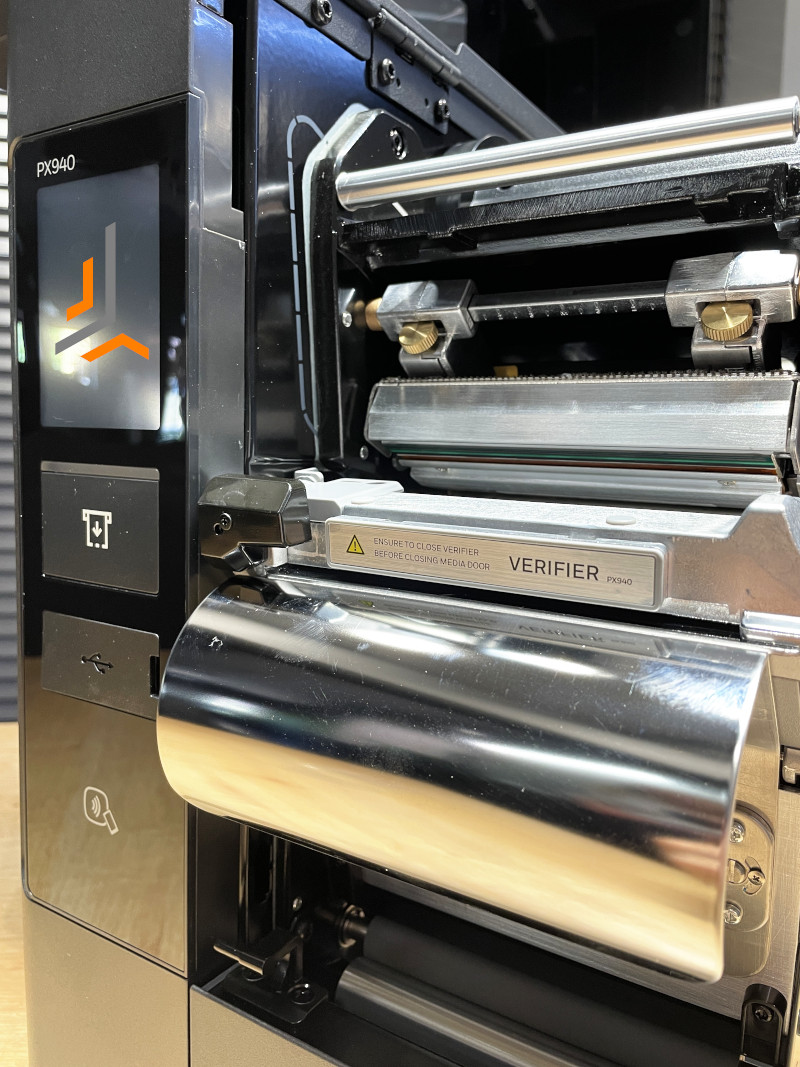
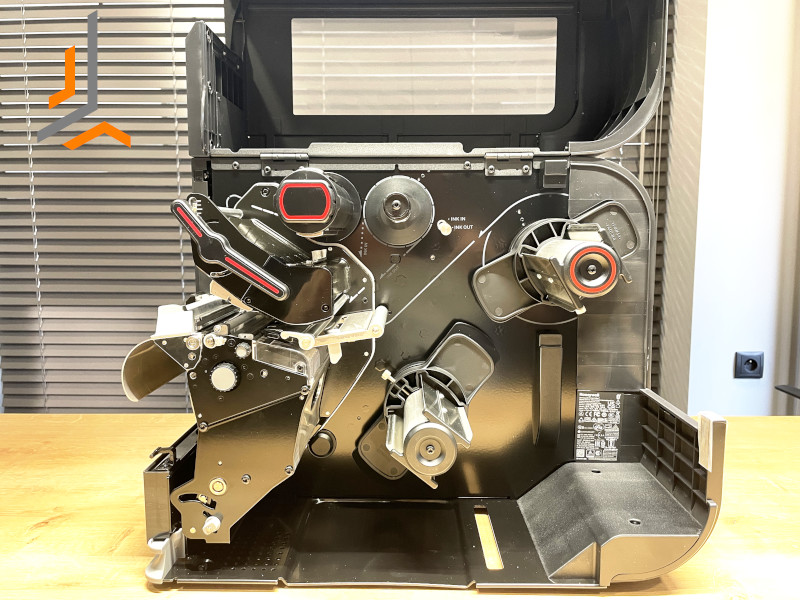
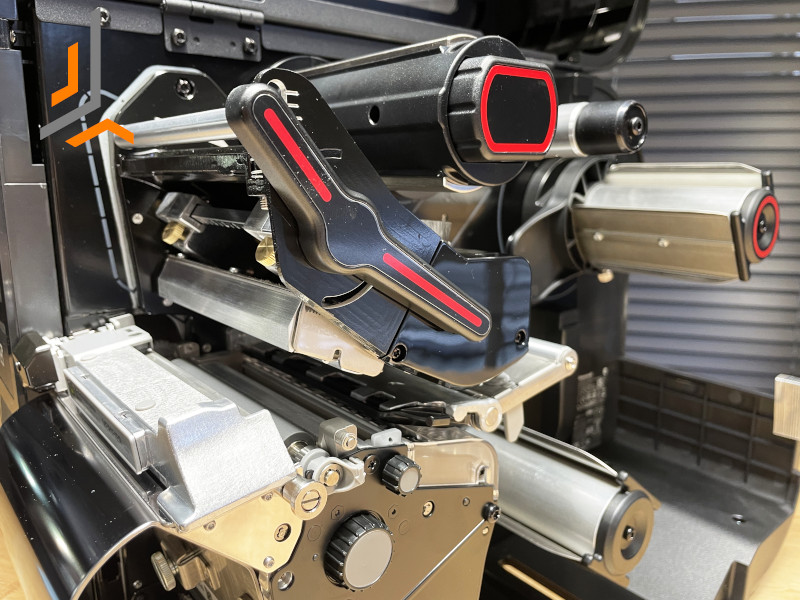
Honeywell PX940 label printer
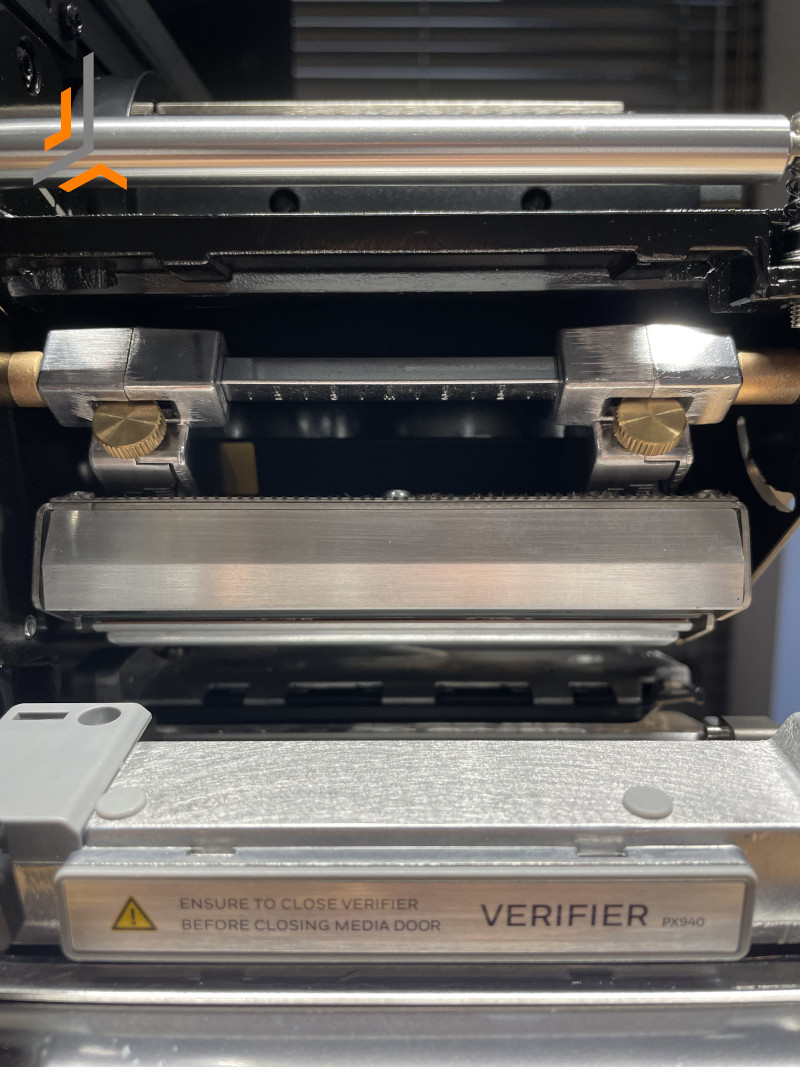
Thanks to the built-in verifier, the PX940 printer allows you to verify the correctness of the printout, ensuring that the label and barcode are error-free.
The verification process is simple and efficient. Once a label is created, the printer automatically reads its contents, detects barcodes, and then analyzes 100 to 200 parameters simultaneously. In case of incorrect printing, the PX940 printer automatically blurs the label, so you can be sure that defective labels will not reach the customer.
- The PX940 printer has many advantages:
- First, it provides 100% efficiency in detecting erroneous barcodes on labels during the printing process, eliminating the need for manual checking.
- In addition, erroneous labels are blurred by the printing device, greatly reducing the risk of accidental use.
- Defective labels do not reach the production or storage stages, or customers, ensuring that orders are processed correctly.
- In addition, the PX940 printer does not require the development of special error detection software, as the built-in verification function already makes this possible.
- The printer automatically detects faulty barcodes at the printing stage, eliminating the need for the operator to point them out.
- When replacing a regular label printer with the PX940, there are no problems, as the process is quick and uncomplicated.
- The PX940 printer identifies both 1D codes (e.g. Code 39, Code 128, GS1-128) and 2D codes (e.g. QR Code, Data Matrix).
- Label printing is fast, with speeds of up to 350 mm/s, regardless of size.
- The device is also resistant to damage thanks to its sturdy metal housing, making it ideal even in harsh environments.
Summary
A printer with a built-in verifier is extremely helpful for larger companies producing a large number of labels, the correctness of which they need to check before shipping to customers. This ensures correctness, legibility, compliance with quality standards and generates savings, especially when labels are created to order.