- Home page
- h::AI – AI for manufacturing a...

AI on the shop floor. Ask your system about your data.
Building software for industry since 1999 · Demo on your own data
Google reviews(4.7)Built into MES and WMS
Works inside the system your team already uses.AI on-premises or in the cloud
h::AI runs on your own server or uses external AI services.You decide who has access
You give h::AI access to selected people, e.g. planners and managers.AI advises, people decide
h::AI makes suggestions and flags problems; decisions stay with you.
What is h::AI?
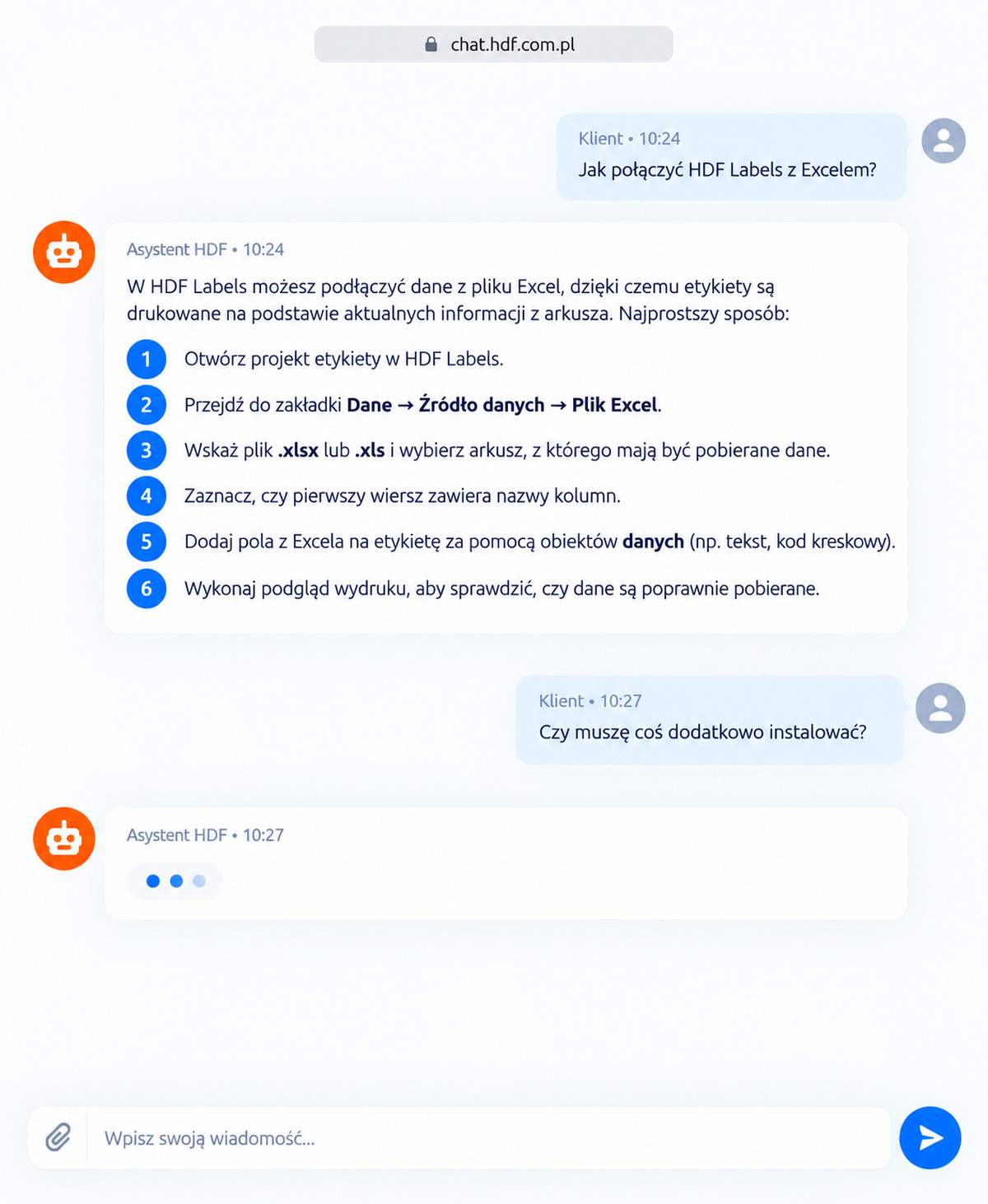
h::AI® is HDF's brand of artificial intelligence solutions. It covers modules integrated with our industrial software as well as AI solutions tailored to individual company needs.
In HDF MES and HDF WMS, h::AI lets users quickly get production and warehouse information, using the data already available in the system.
Why h::AI if you already have reports?
| Situation | Without h::AI | With h::AI |
|---|---|---|
| A question no report answers e.g. “How much scrap did the night shift produce on product X over the last two weeks?” | Someone has to prepare a summary; the answer comes tomorrow | You ask and get the answer right away |
| A quick check before a briefing or decision | Switching views, setting filters, exporting | One question – no filters, no clicking through views |
| Requests for “quick” summaries | Take up planners' and IT's time | Managers check for themselves; the team gets on with its work |
| Data from several views at once e.g. production, scrap and downtime in one summary – in the extended configuration | Manually combining data from different screens, or ordering an extra report or module | h::AI pulls data from different views into one answer, with no extra modules to order |
Planning people and machines in HDF MES
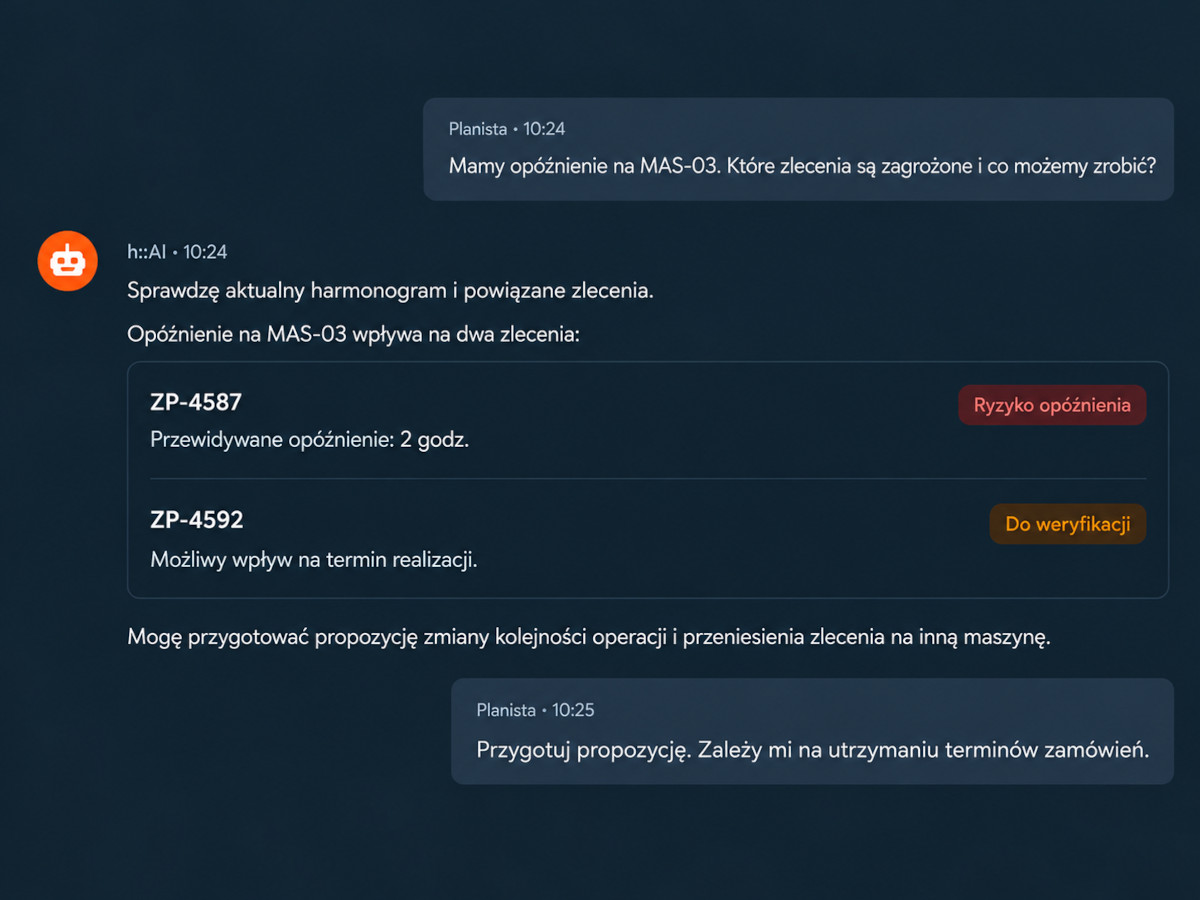
Machine breakdown
h::AI helps rework the plan after a machine breakdown and shows how to limit delays.Rush order
When a rush order comes in, h::AI helps check which orders can be moved and how that will affect the plan.Staff absences
When you are short-staffed, h::AI helps adjust crewing and the schedule to the resources available.“What-if” simulation
Check the impact before you decide: what happens to the plan if machine X is down until tomorrow, or a shift is three people short?
Less searching, more time for decisions
Planners need fast access to information about orders, machines and production progress. With h::AI, they can ask questions without going through multiple screens and reports.
In the extended configuration, h::AI also helps analyze schedule changes and assess their impact on production.
h::AI does not replace the planner. It takes over the tedious data hunting, leaving more time for what AI cannot do: knowing the people, the machines and the company's priorities.
Principle: h::AI proposes a plan change; a person makes and approves the decision.
Where h::AI works
 h::AI
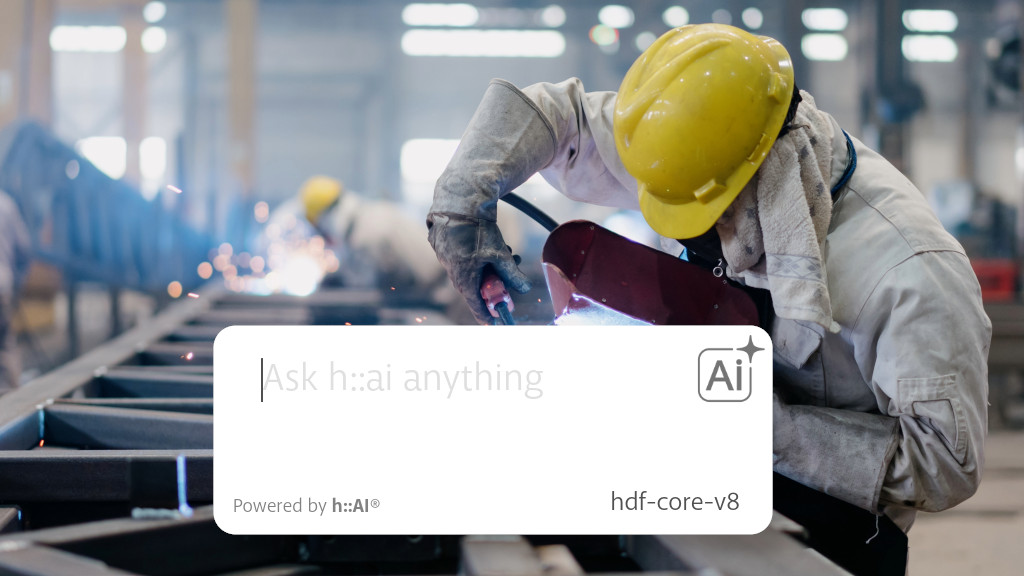
h::AI in HDF MES
Ask about production the way you would ask a process engineer: how much was produced, where the scrap is, which machine was down.
- “How is production going today?”
- “Which machine had the most downtime this week?”
- “How much scrap was there on the night shift?”
 h::AI
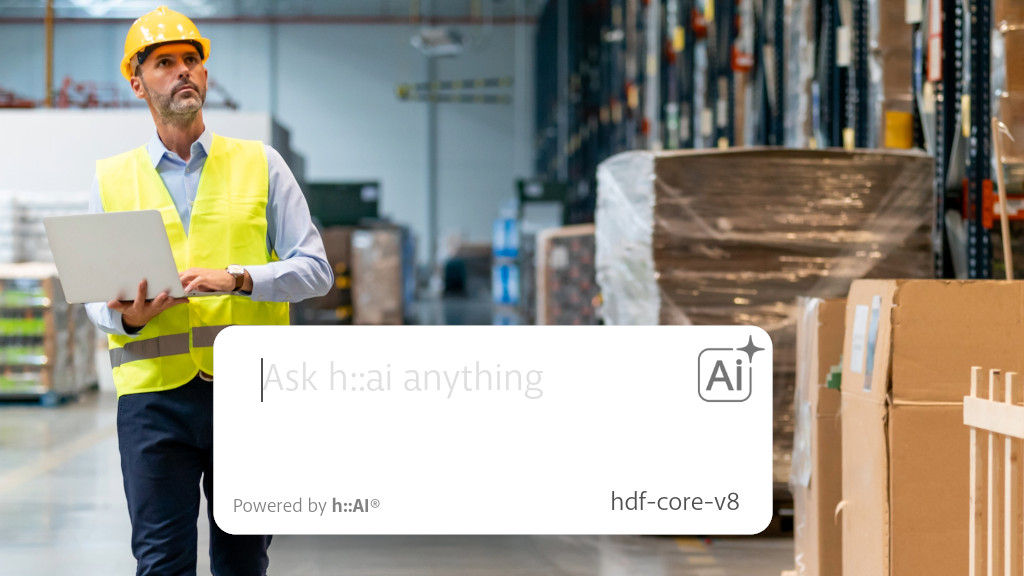
h::AI in HDF WMS
Stock levels, locations, picking. Ask the system instead of scrolling through lists.
- “How much of product X do we have, and where is it?”
- “Which orders are waiting to be picked today?”
- “What has been sitting in the warehouse for more than 90 days?”
Working with h::AI
Pick a topic
Choose the area you're interested in, e.g. machines, production or warehouse.Ask in your own words
Ask in plain language, the way you would ask a colleague.h::AI answers or asks back
You get an answer based on system data. If needed, h::AI asks you to clarify the question.
- Standard configuration
Conversation and tables
Answers as conversation and tables, in every configuration. - Extended configuration
Charts and summaries
In the extended configuration, h::AI can analyze data from different areas of the system and present results as charts, tables and summaries.
Why isn't a regular AI chat enough?
| AI chat with pasted data | h::AI in HDF MES and WMS | |
|---|---|---|
| Data preparation | Someone has to export the data and paste it in | You pick a topic, the system prepares the data |
| Freshness | Data as of the export | Data straight from the system, refreshed according to your MES/WMS configuration |
| Where data goes | To an external AI service | On-premises or to a selected AI service — depending on configuration |
| Who has access | Anyone who has the export | Access follows the permissions set in the system |
| Unclear question | Answers even when it didn't understand | Can clarify the question using the system context |
| Missing information | Works only with what you paste | Selects the date range and data it needs from the system on its own* |
| Cost | Grows with the number of questions and users | No per-question fees in the on-premises option |
How we implement h::AI
Pre-implementation analysis
We get to know your processes and data. We identify the areas where AI will bring real benefit and match the configuration to your needs and server capacity.Solution design
We define the conversation topics, the scope of data and the people who will use h::AI.Launch and testing
We launch h::AI on your data. Selected users check the answers before the module goes into daily use.Rollout and tuning
We train users. In the initial period, we tune the answers to your terminology and questions. The scope of tuning and further development depends on the chosen configuration.
See h::AI on your company's data
Custom AI assistants and agents
Not every process in a company starts and ends in MES or WMS. We design custom AI assistants, agents and chatbots: solutions that take over repetitive work with documents, inquiries and data from different systems.
Every project starts with checking whether AI makes sense for the process. If it doesn't, we'll tell you straight.
Example applications:
- company AI assistant: a chat for your team that knows your documentation, procedures and data, and works within your security rules
- AI chatbot for your website that answers customers based on your site content and offer
- first-line handling of tickets and customer questions
- preparing quotes from inquiries
- finding information in company documentation and data
We deliver website chatbots as projects tailored to your offer, not as off-the-shelf template subscriptions. The chatbot answers only from the content you specify. When it doesn't know the answer, it refers the user to your team instead of guessing. It also tells users they are talking to AI, as required by the EU AI Act.